Calendar
View all procedures in a calendar or list view
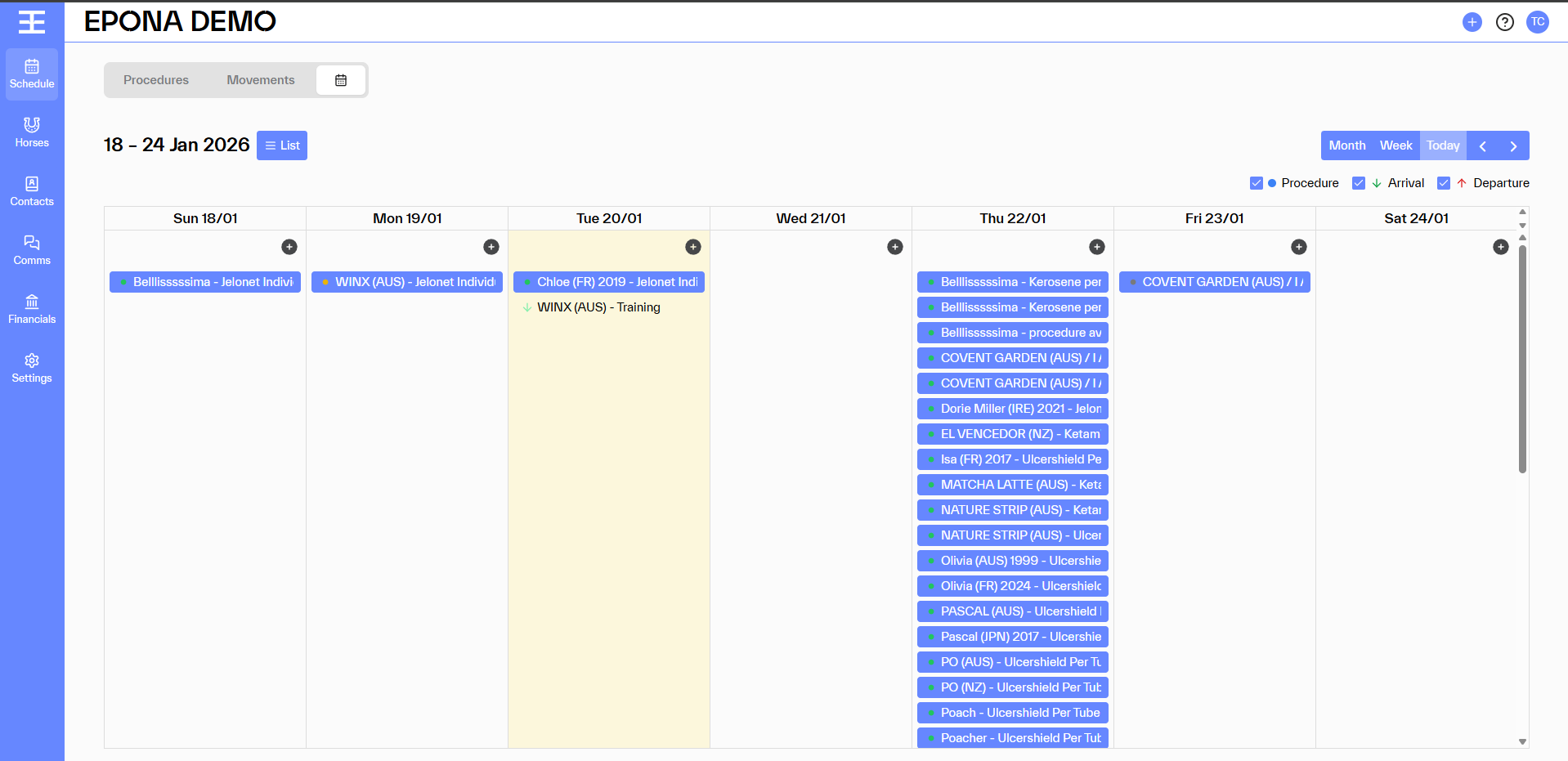
When In Schedule, the Calendar can be viewed by selecting the icon next to Movements/Procedure. One week view is the default.
Calendar will show Procedures, Arrival [green down side arrow] and Departure [red up side arrow] depending on which module you have turned on.
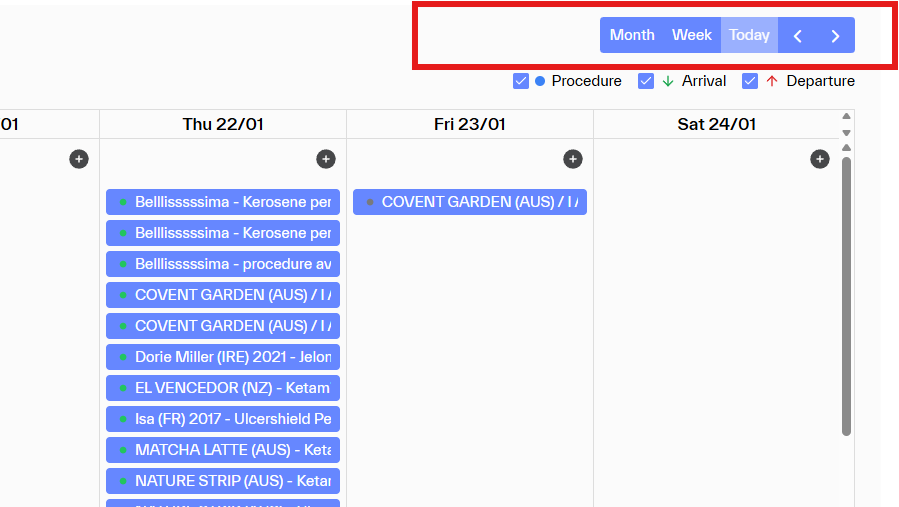
Options to change to one week or move through the months is available on the top right above the legend
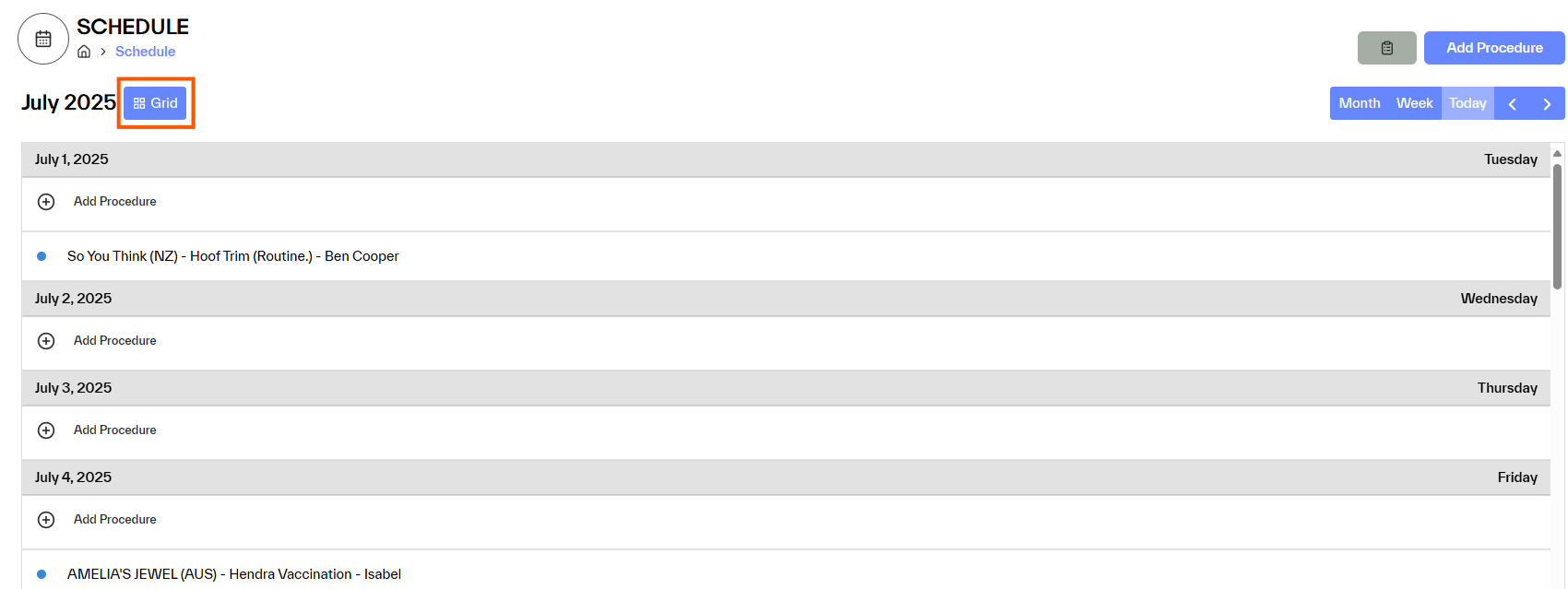
The calendar can also be viewed as a list

To switch back to the Calendar view select Grid.