
Transactions and Charges
A transaction is a financial charge added to a contact or horse, which can later be converted to one or more invoices. Where a horse is charged for a product of service, the charge will normally be split automatically to billable parties listed against the horse, by share percentage.
A transaction is automatically created when a procedure is added to a horse or a contact, where the procedure has a charge amount set. The charge will be split across all billable interested parties depending on the share they have in the horse as at the date of the charge.
A manual transaction may be added if a charge is required for a horse or a contact and there is no procedure or daily charge in place to generate the transaction. An example may be a one-off cost that needs to be split across all billable parties in a horse.
Note - It's better to not enter 'one off' transactions to horses if you could achieve the same thing through procedure entry or generation of daily charges via adding horse movements (agistment and training charges).
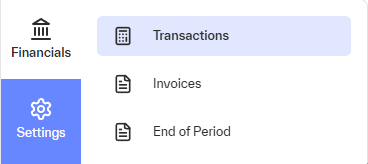
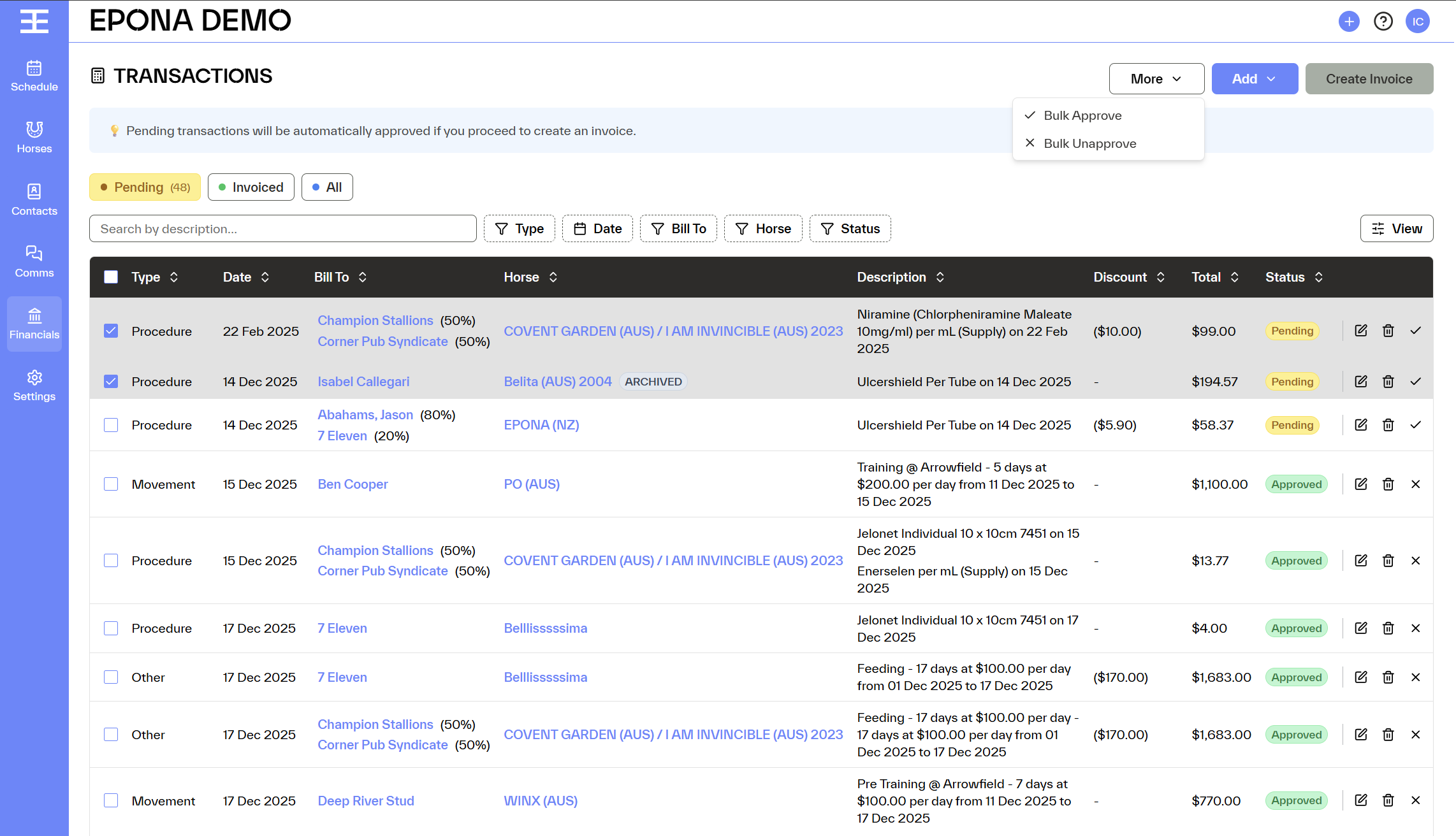
Transactions can be viewed via Financials / Transactions. View and manage transactions from this view, or via the 'Transactions' tab in the horse info screen. From the Transactions screen you can also add new transactions, approve pending transactions, and create tax invoices to clients for selected charges.
Approval Flow
Pending
- The transaction has not yet been approved for invoicing
- Pending transactions are fully editable
- Pending transactions are still in progress and can be modified before approval
Approved
- The transaction has been approved for invoicing
- Approved transactions are locked for editing
- Approved transactions are considered final and ready to be invoiced ensuring billing accuracy
Invoiced
- The transaction has been successfully charged to a contact via an invoice
- No further edits are allowed, as the transaction is now part of a financial record
- Invoiced transactions may be sent to your accounting system, and emailed to clients
- Where a transaction is to a horse and there are multiple billable parties, more than one invoice may be generated from a single transaction
Cancelled
- The transaction has been removed after being added
- Cancelled transactions are excluded from invoicing and reporting totals
Key Rules to Remember
Pending = editable, not yet approved or invoiced.
Approved = locked, reviewed, and ready for invoicing.
Invoiced = charged to a contact, final.
Cancelled = removed and excluded from billing.
This approval flow helps maintain billing accuracy, prevents accidental edits, and provides clear visibility across all transaction states.