Procedures
List all procedures filtered by status
When Schedule/Procedure is selected a list of Pending procedures will be displayed. A procedure can be added to horse(s) and viewed using the procedure status.
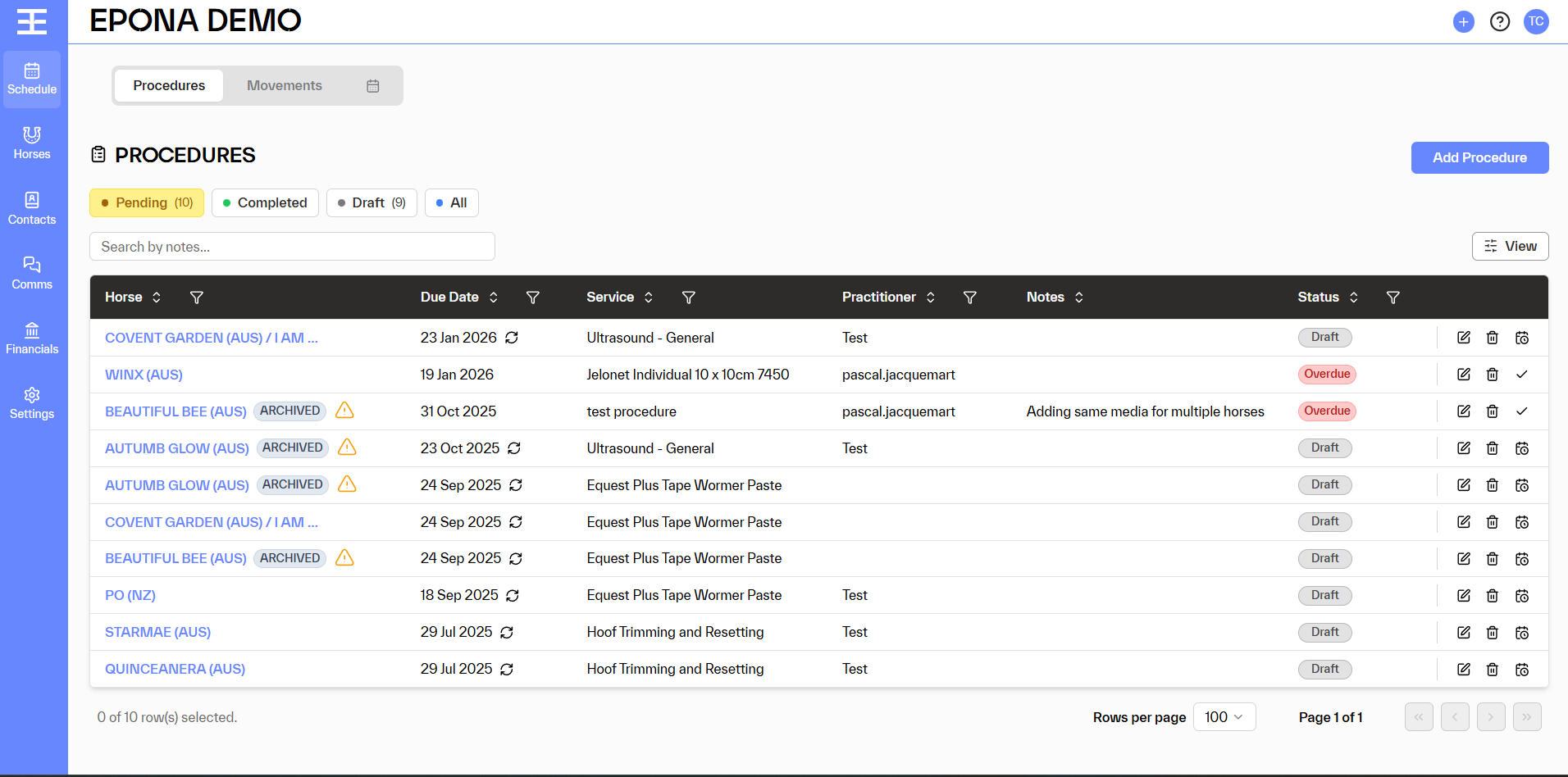
Procedures can be viewed by status
- Pending - scheduled to be done
- Completed - procedure has been completed
- Draft - create by the rules set up in Business Rules under Settings
- All - all procedures including the cancelled
The view can also be filtered by
- Horse
- Date
- Service
- Practitioner
- Status
Select the filter to be used and select the information required. More than one option can be selected, as well as more than one filter. e.g show all procedures performed by a practitioner on specific horses
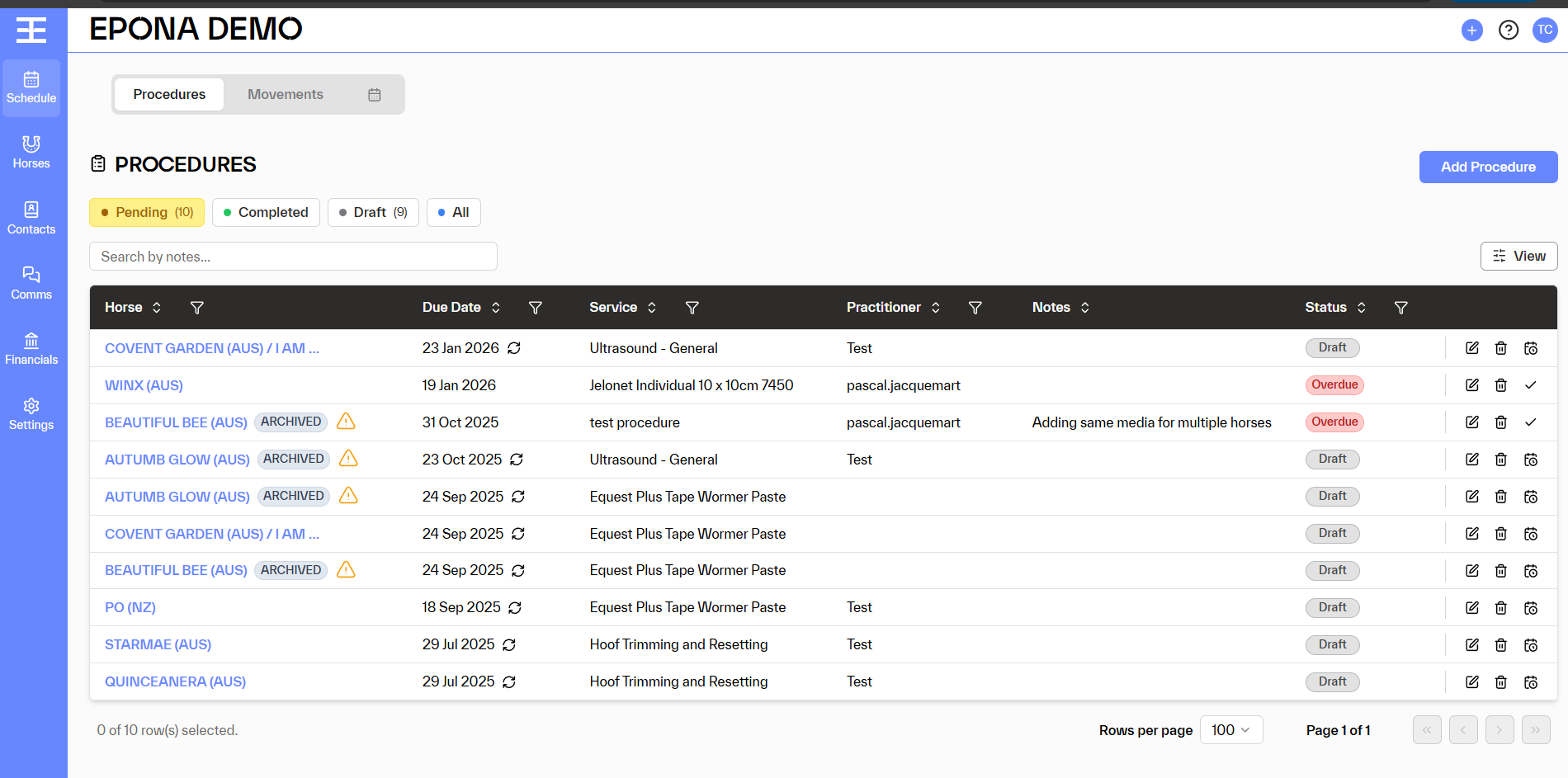
On the view, there are various options to allow the procedures to be modified.
For Scheduled and Overdue Procedures options are;
- View/Edit
- Deleted
- Mark as completed
For Draft Procedures, options are;
- View/Edit
- Deleted
- Schedule procedure
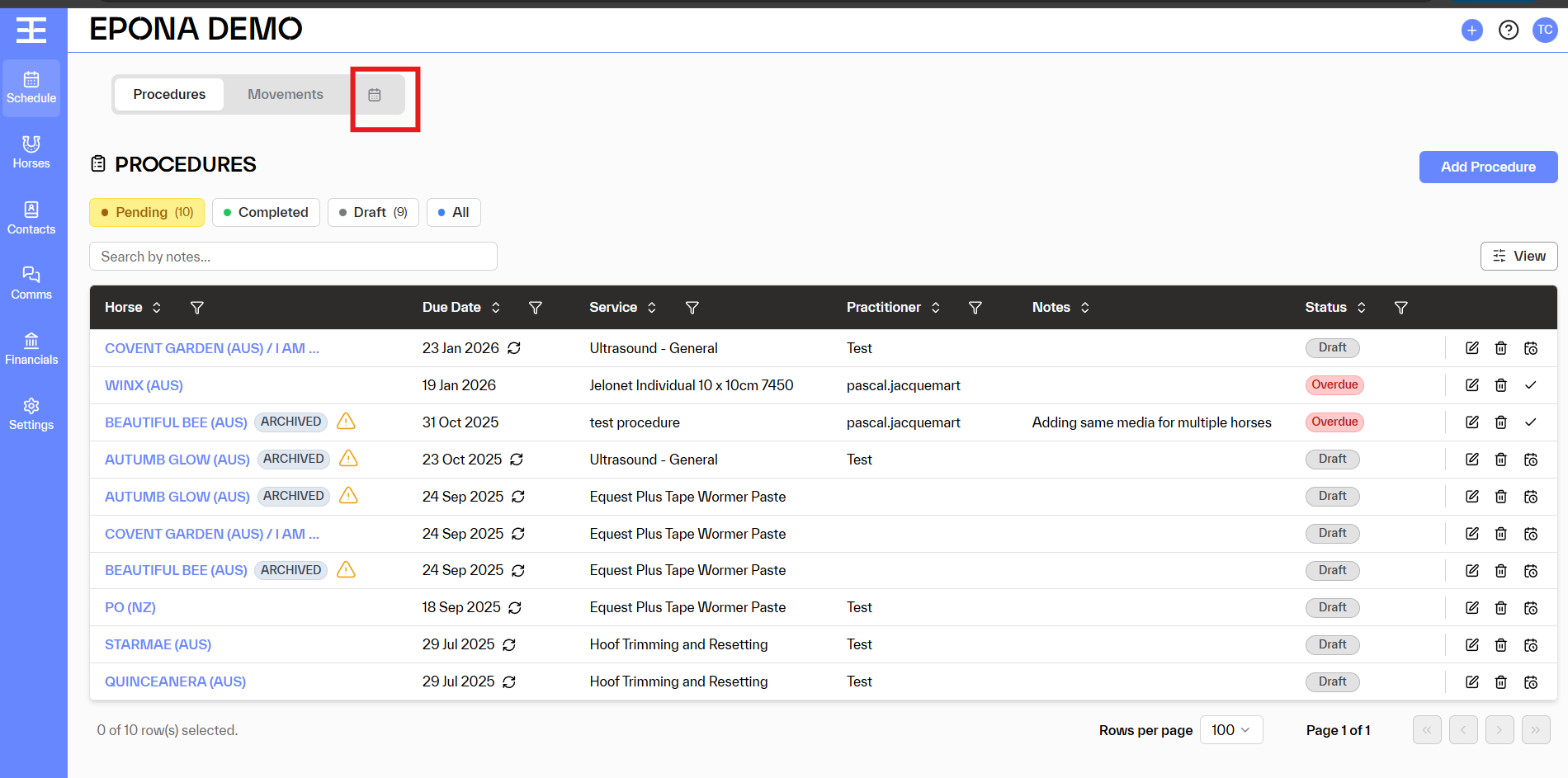
The view can be switched between the Calendar view by selecting the icon next to Procedures and Movements