
View option on lists
Select which columns you want to be visible when viewing a list of results
All list views in Epona have an option (at top right) to add and remove columns from visibility on screen.
Select View at top right then tick columns you want to see, and untick columns you want hidden.
You can come back at any time and modify which columns are visible and which are hidden.
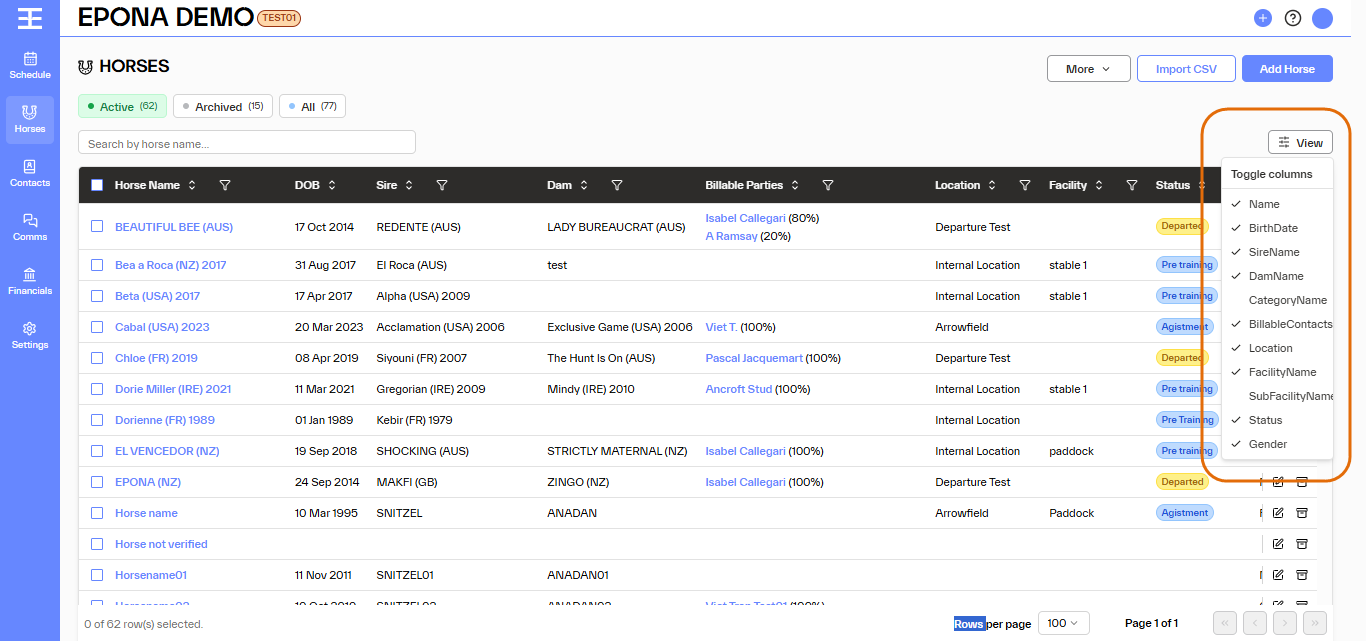
Displaying less information on screen can cut down on noise, and allow you to focus on the values and results you are most interested in.